Tour
siteBits in pictures.
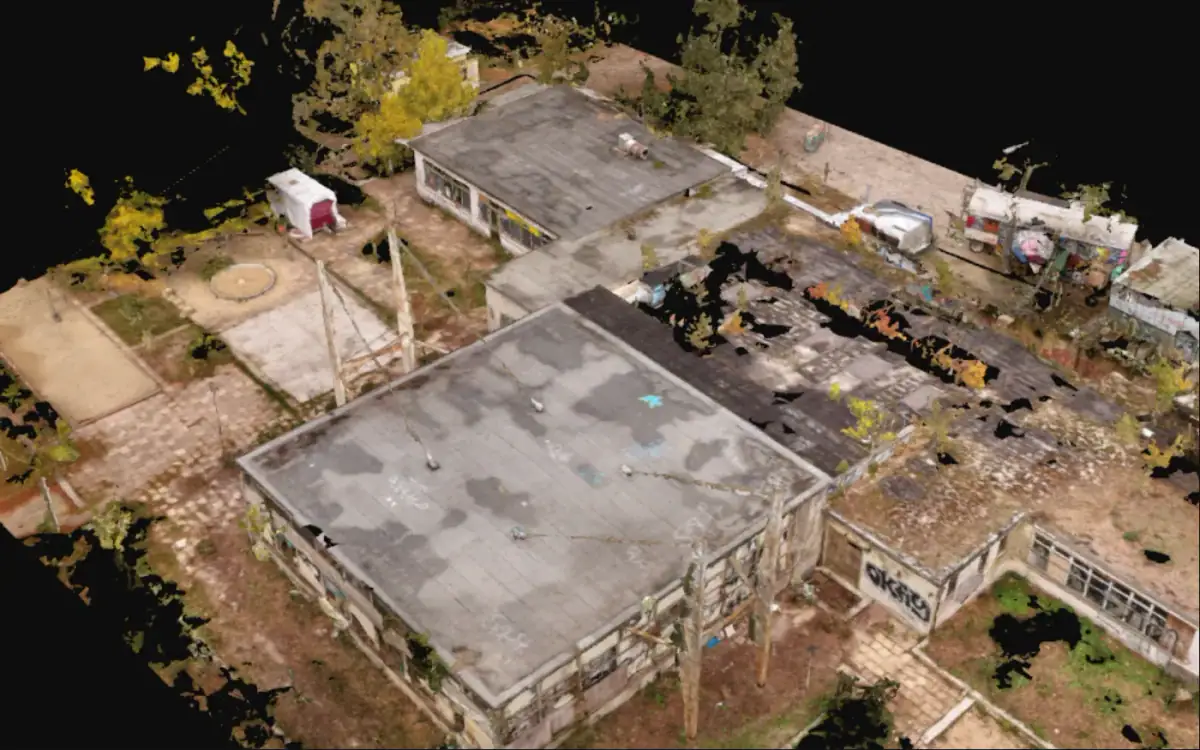
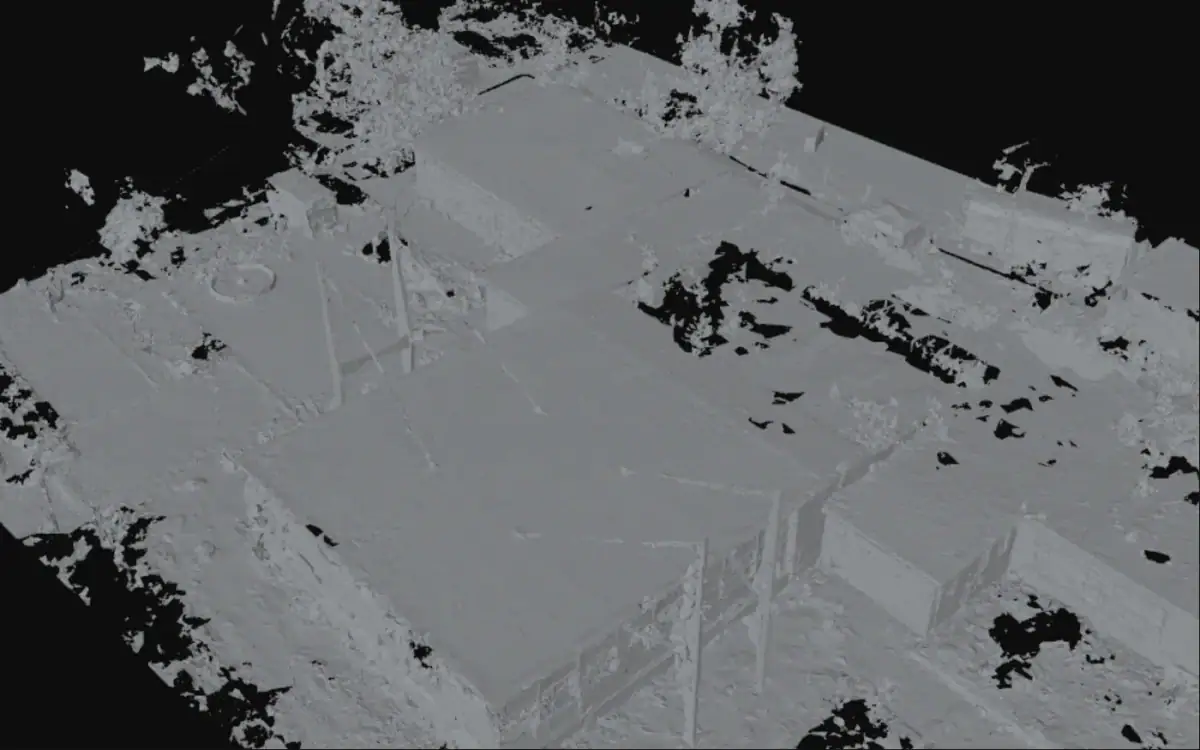
Every picture is a screenshot from siteBits, made from a fixed recipe with a real drone capture. Place and building are deliberately not named.
The interface in the screenshots is German, like siteBits today. An English interface is planned.
- Released
- siteBits 0.10.3
- Features
- 13
- Preview
- 4
Point clouds in the browser
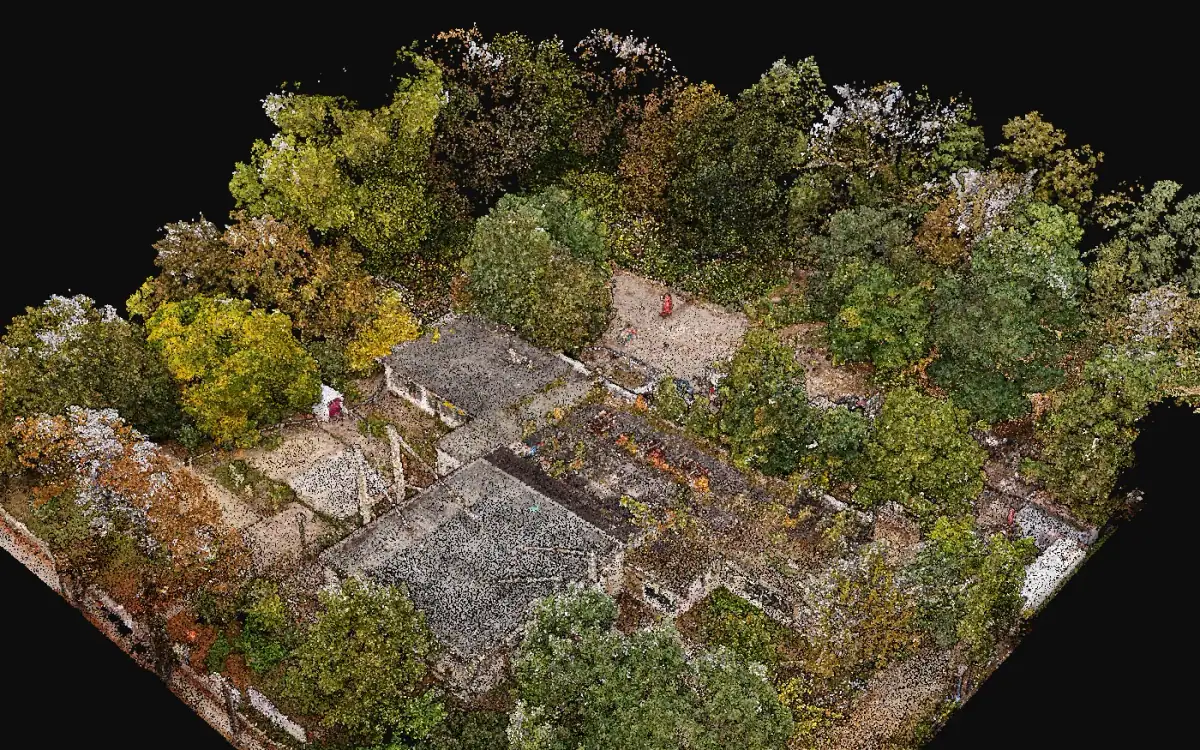
Hundreds of millions of points straight in the browser, streamed level by level. No plug-in, nothing to install.
Measuring with provenance
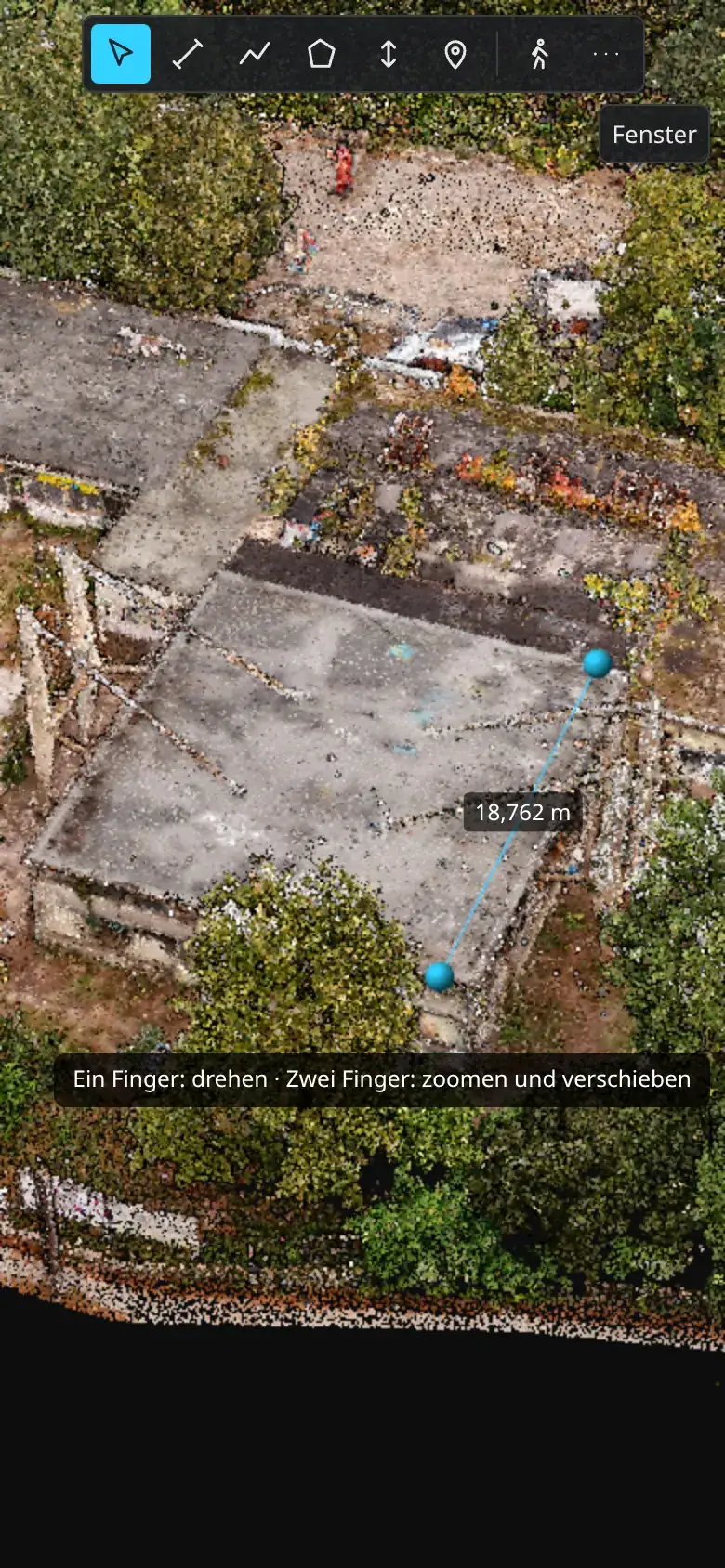
Distance, polyline, area and height directly in the cloud or on the mesh, and for every value what it rests on.
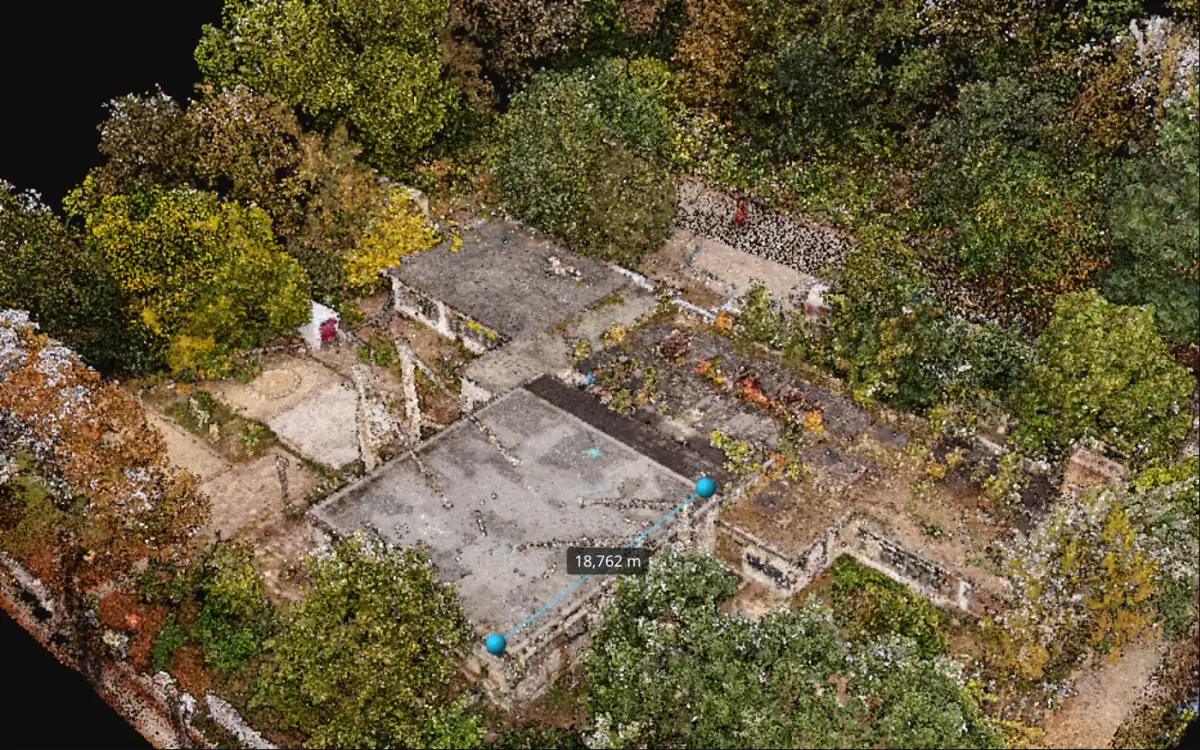
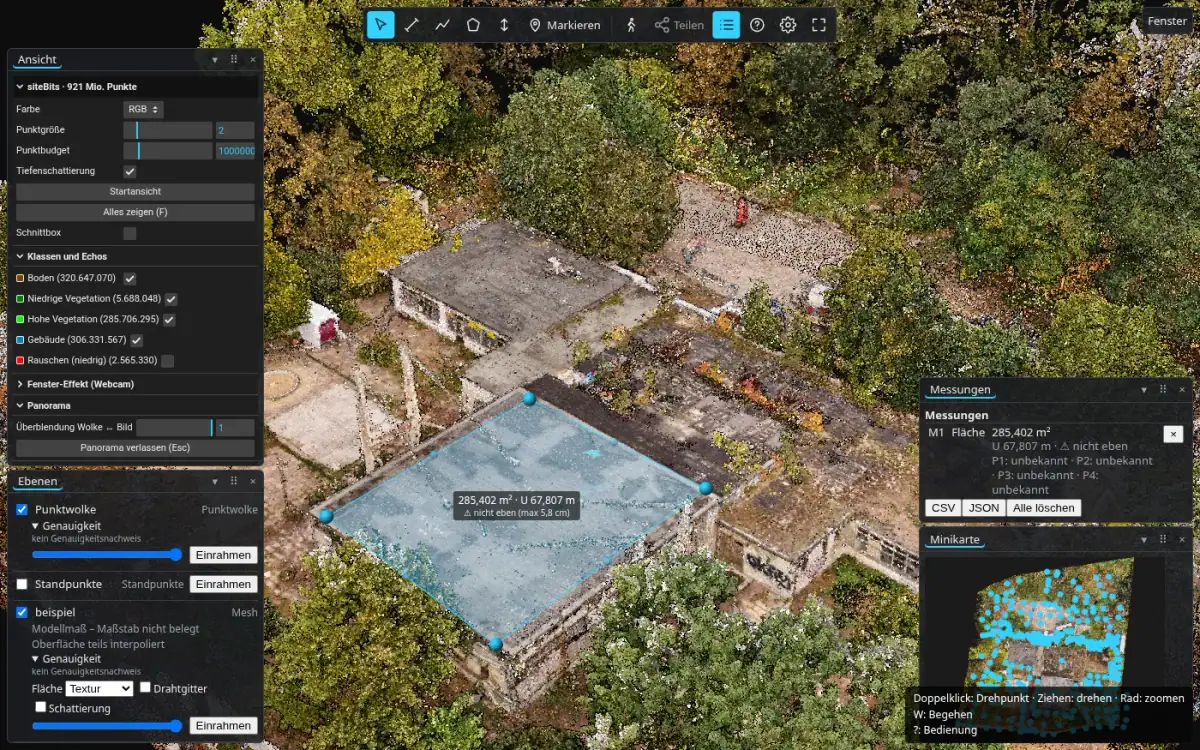
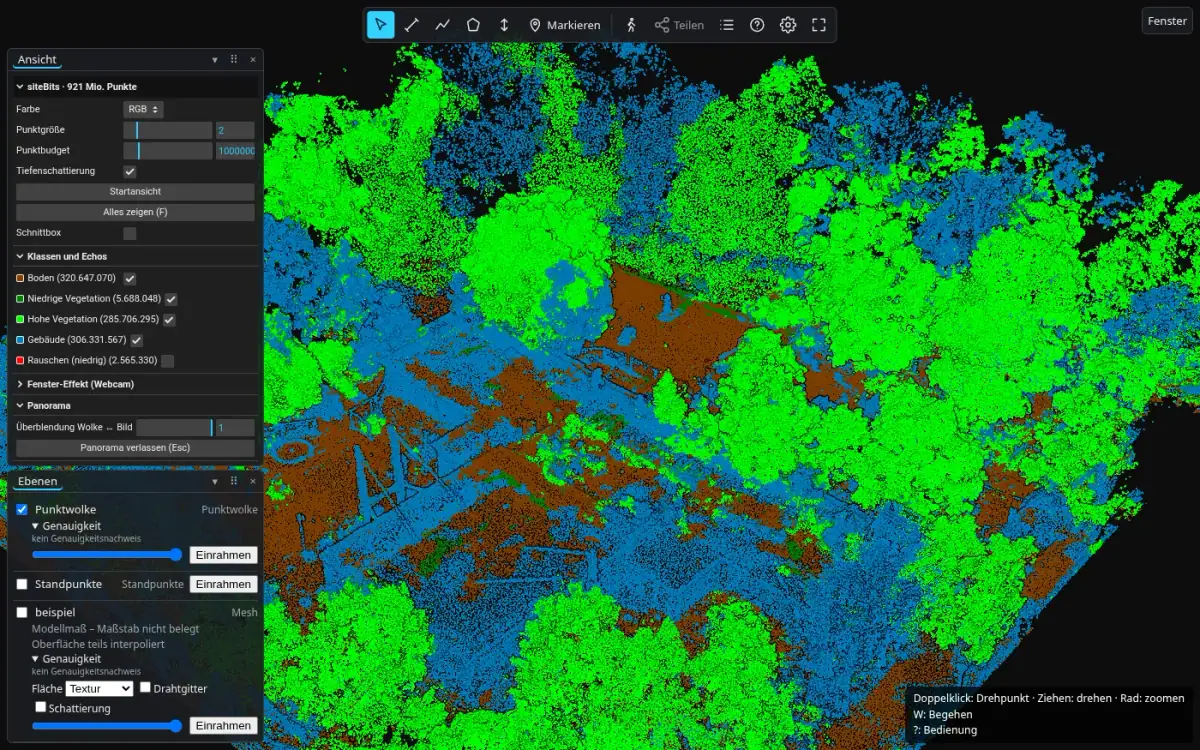
Point classes and returns
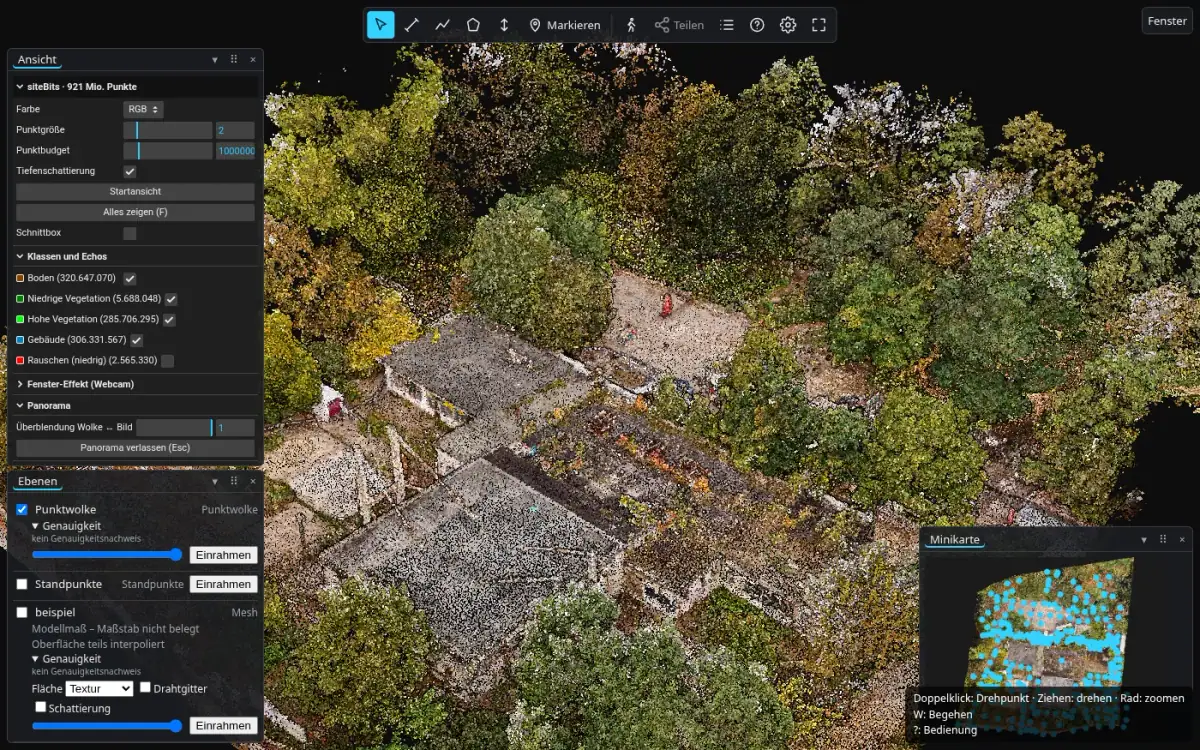
Colour by class, hide classes one by one, show first or last returns only.
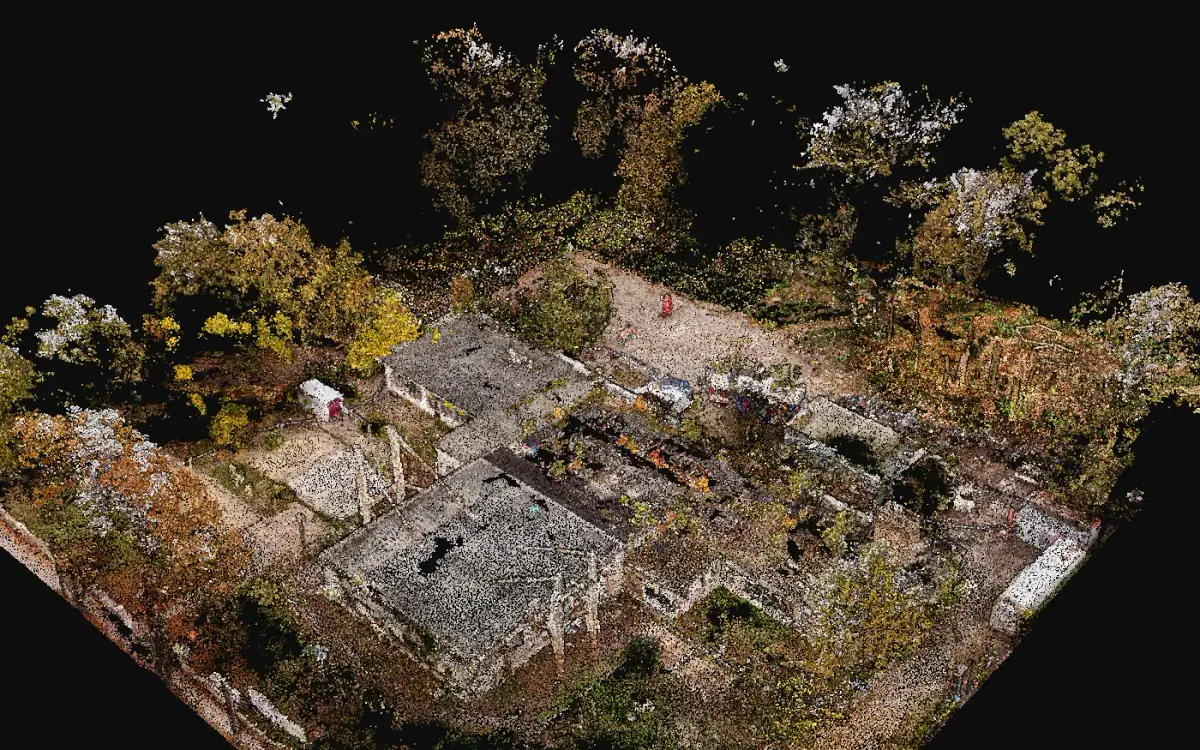
Textured meshes
3D models as a layer next to the point cloud, measurable, with display modes for checking.
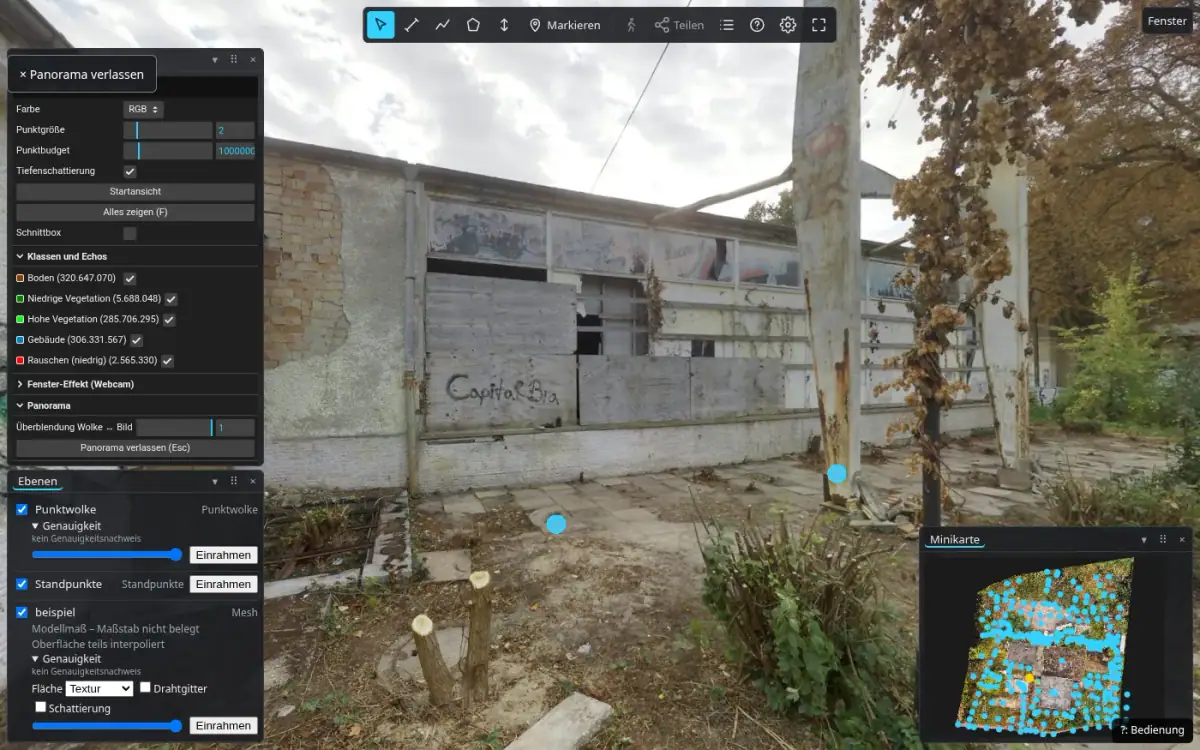
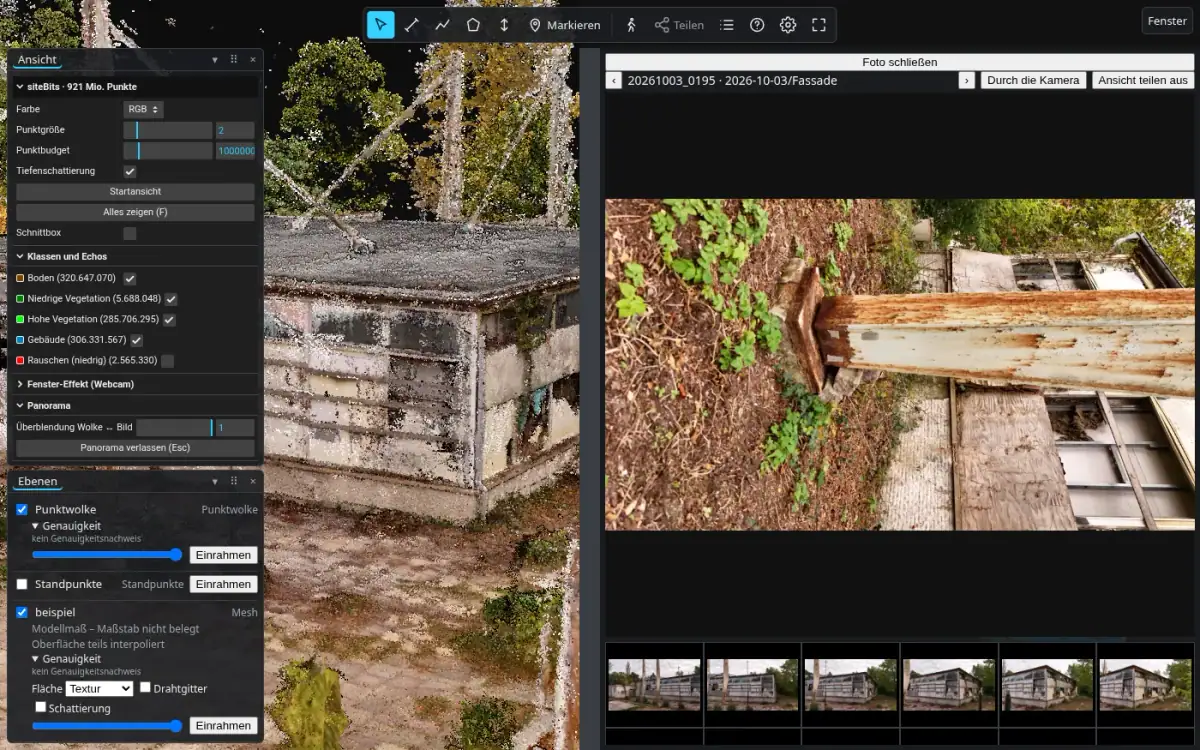
Panoramas and photos in place
Spherical panoramas per station and oriented photos exactly where they were taken.
Walk mode
Walk through the capture at eye level, with keyboard, mouse or gamepad.
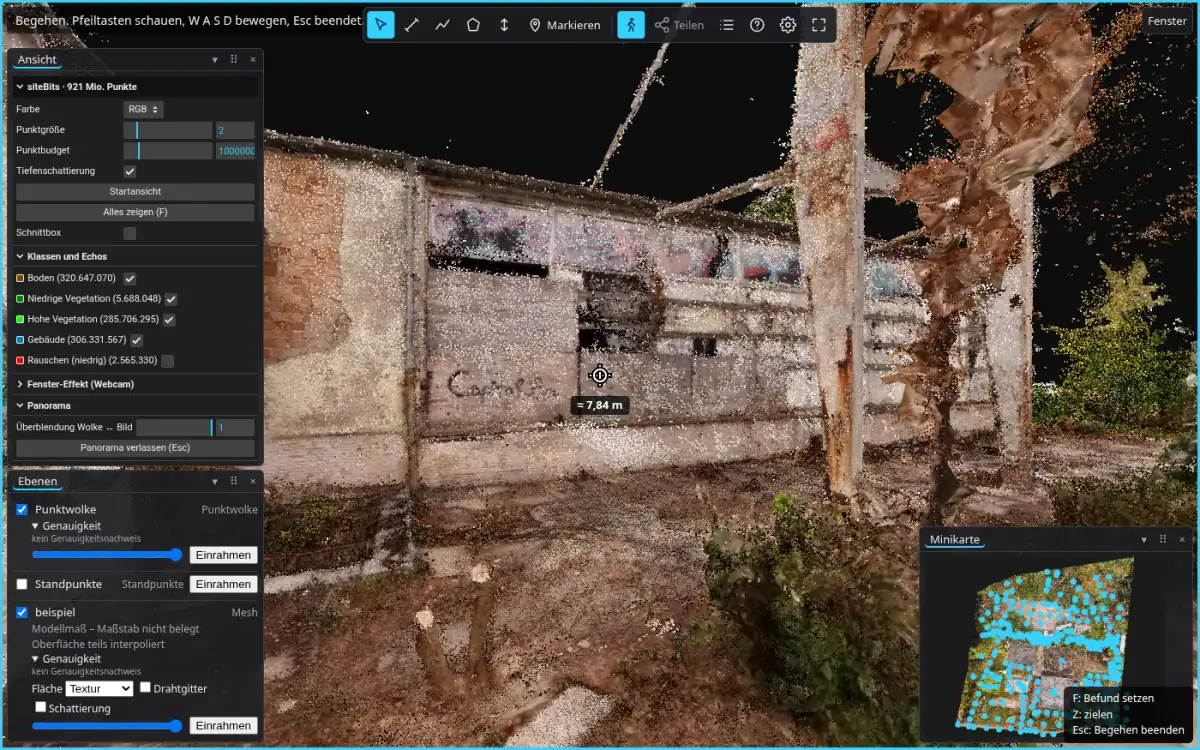
Findings in place
Pin an observation exactly where it is visible, and discuss it as a thread.
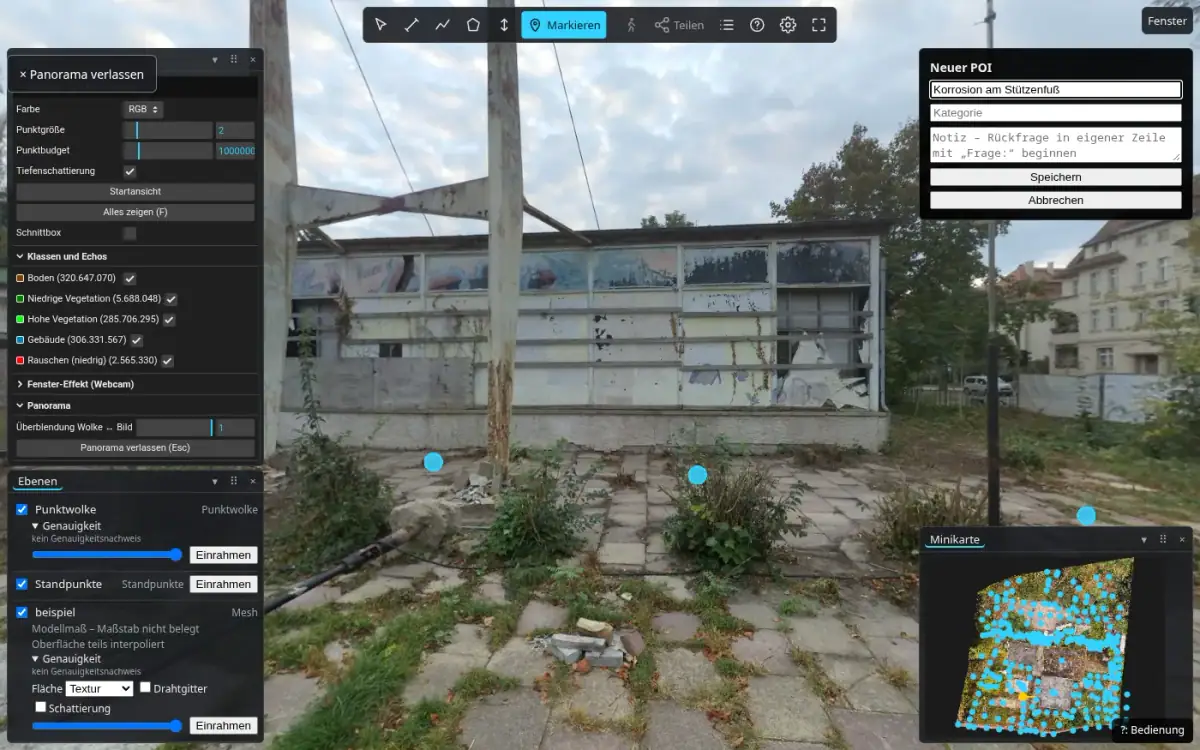
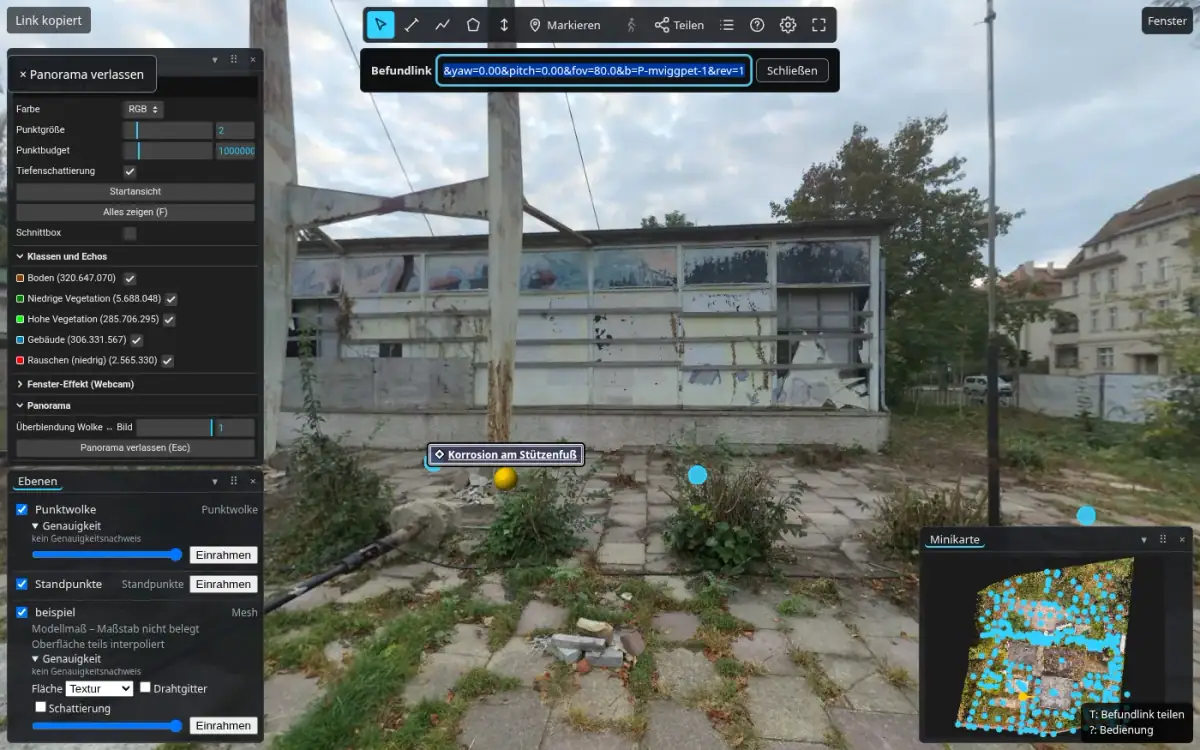
Share by link
One link carries view, measurements, layers and finding. Whoever opens it sees exactly the same.
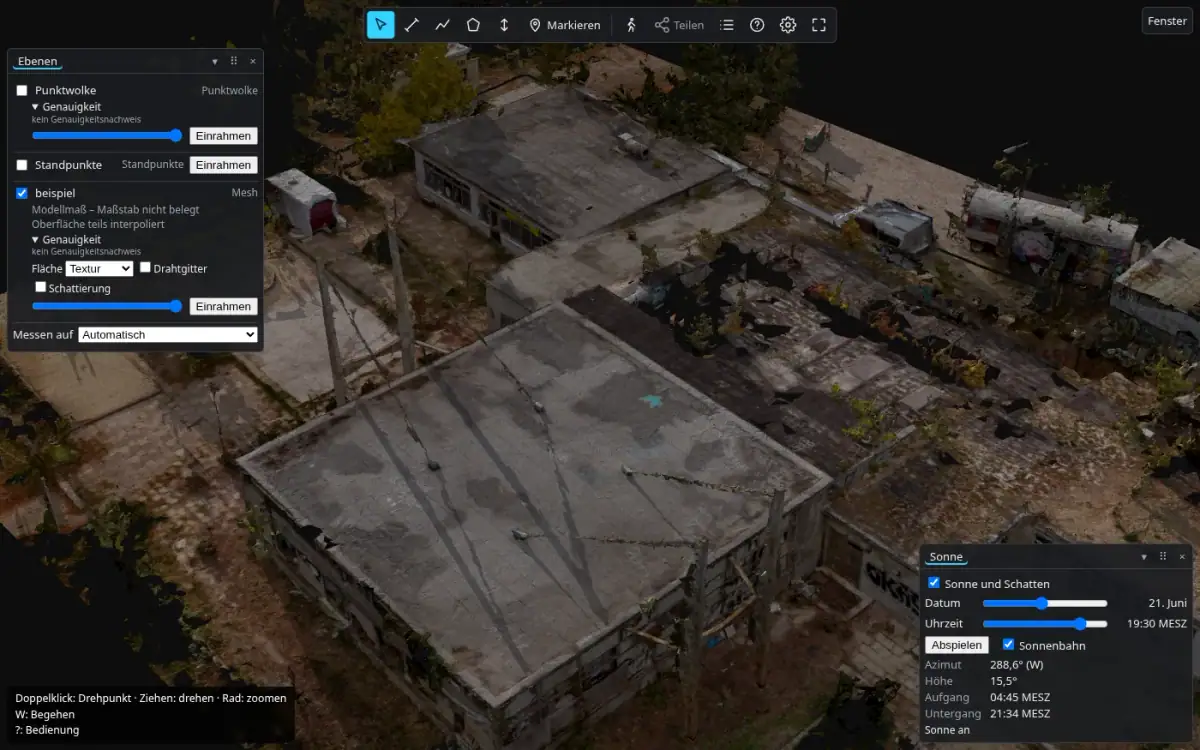
09 · preview · 0.11
Sun position and shadows
Sun for any date and time, shadows on the mesh, sun path with solstices.
Preview means: comes with the next version and is described on the roadmap.
10 · preview · 0.11
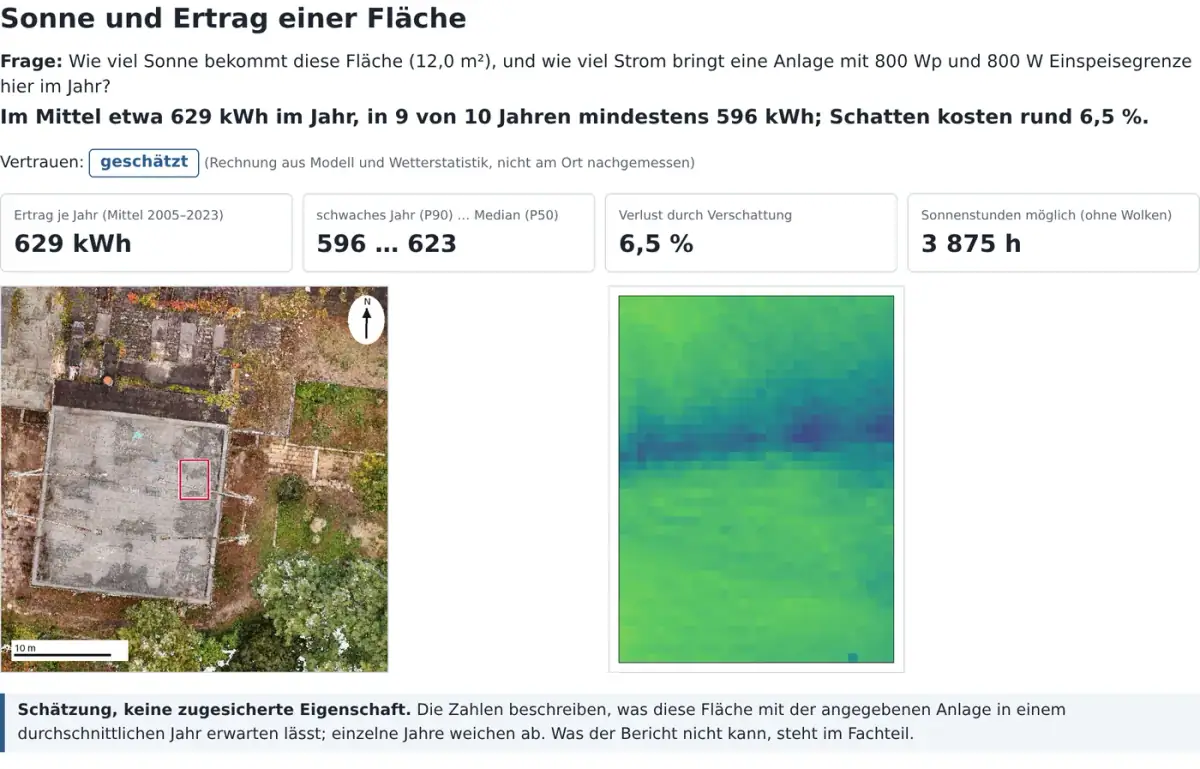
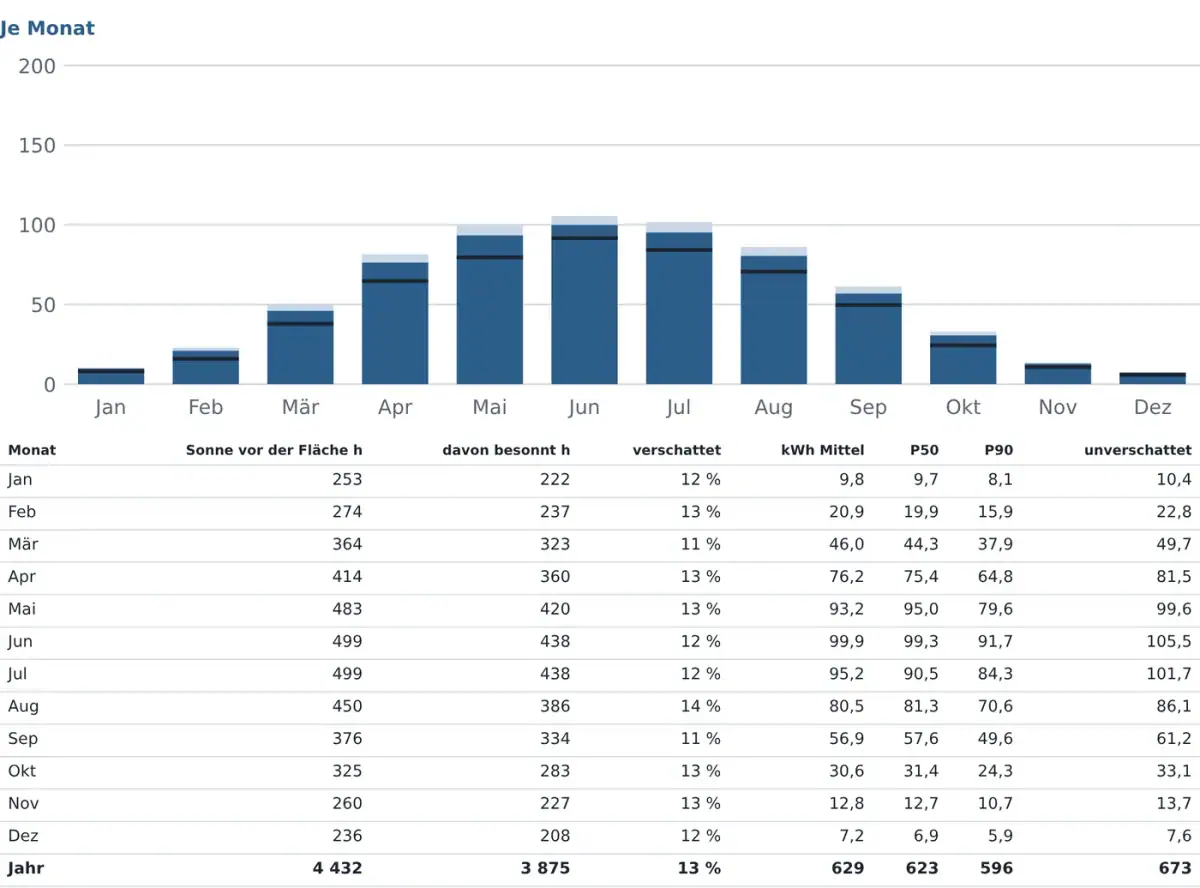
Solar report for roofs
Shading and yield of a measured surface, as a report with ranges and a cross-check.
11 · preview · 0.11
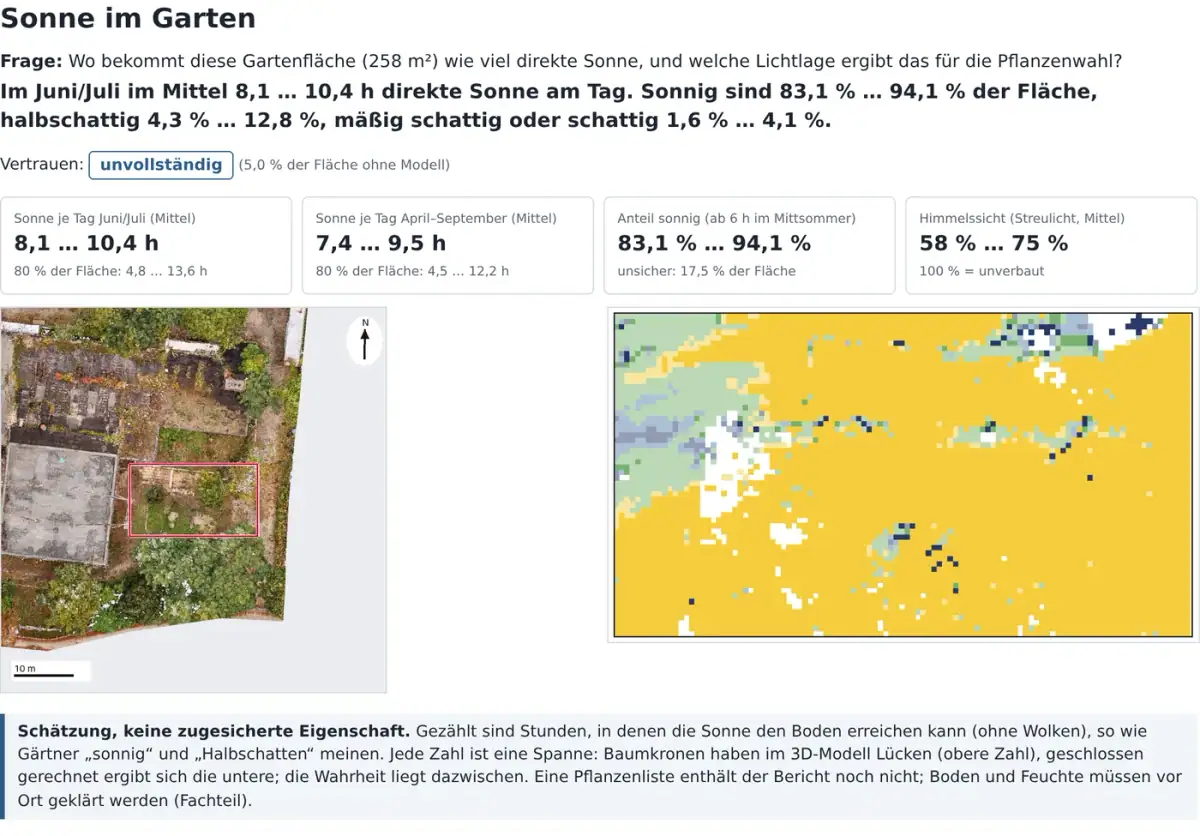
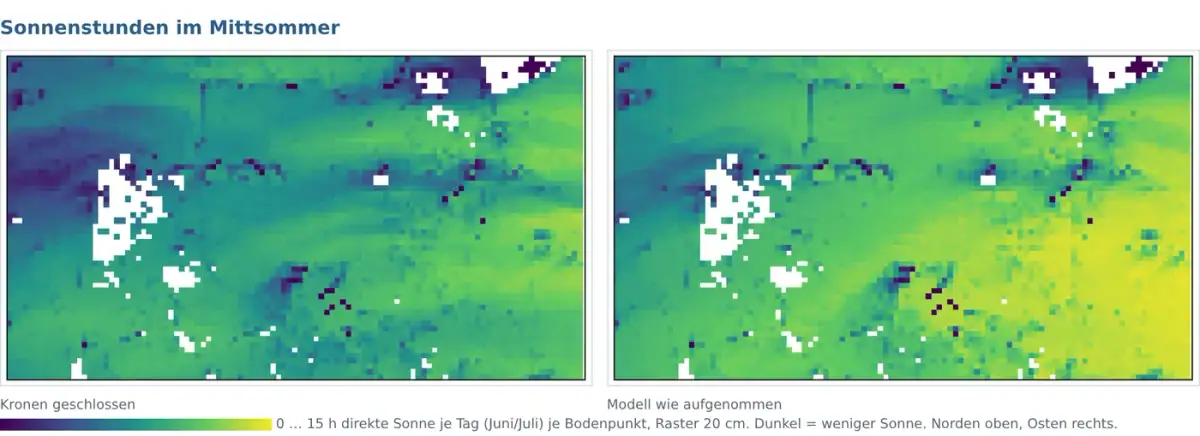
Sun report for gardens
Direct sun per ground point and light category for planting, honestly given as a range.
12 · preview · 0.11
Check a delivery
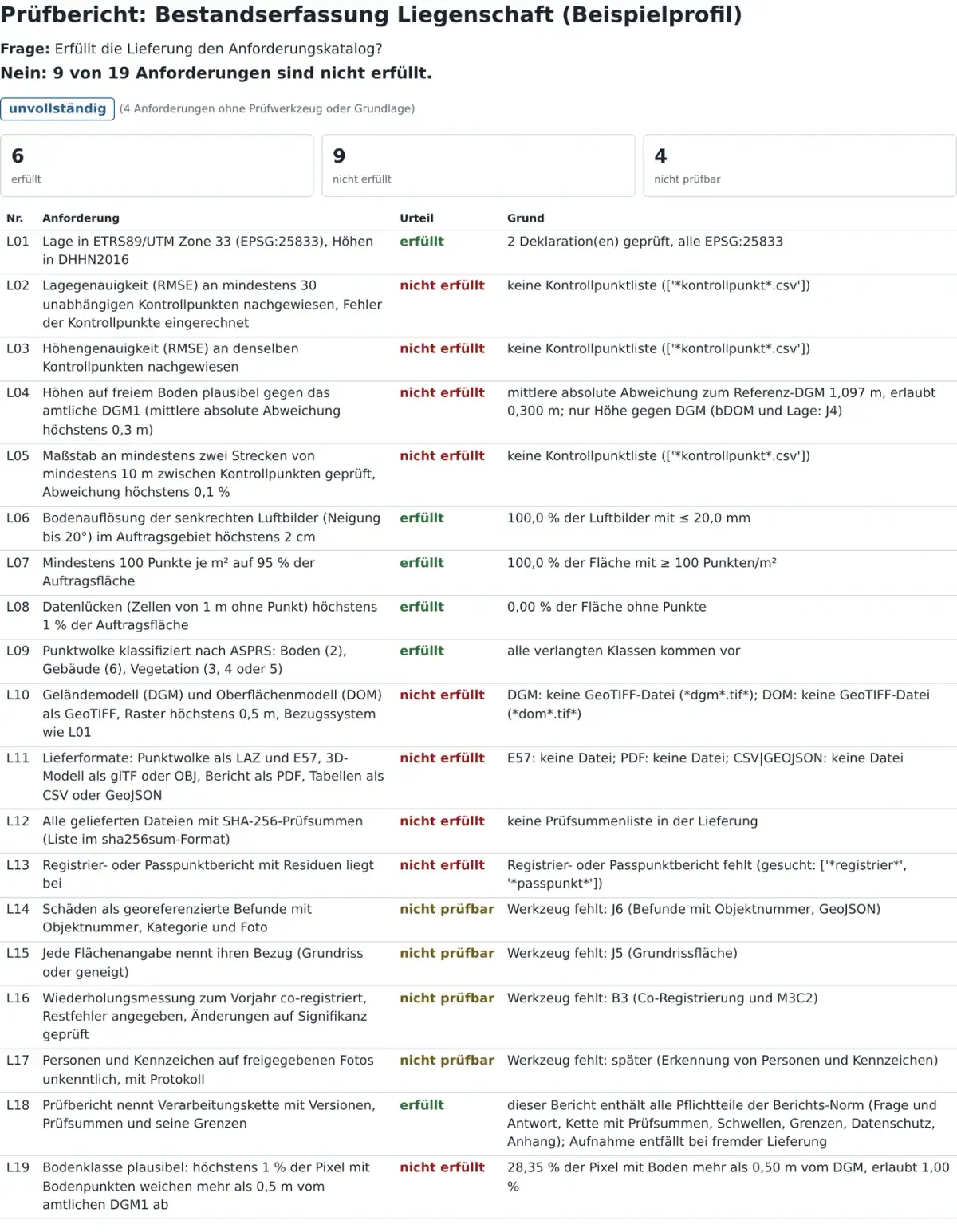
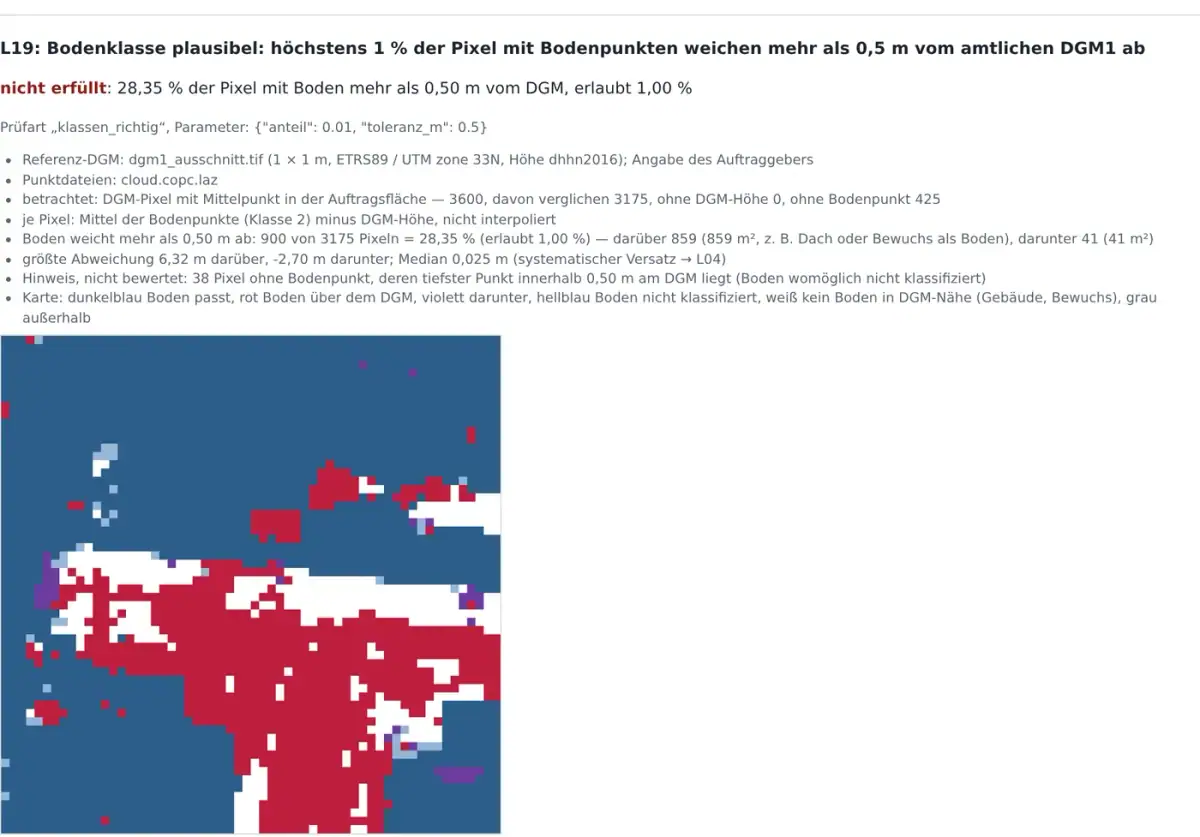
Check a survey delivery against the requirements catalogue: each line met, not met or not checkable, with the reason.
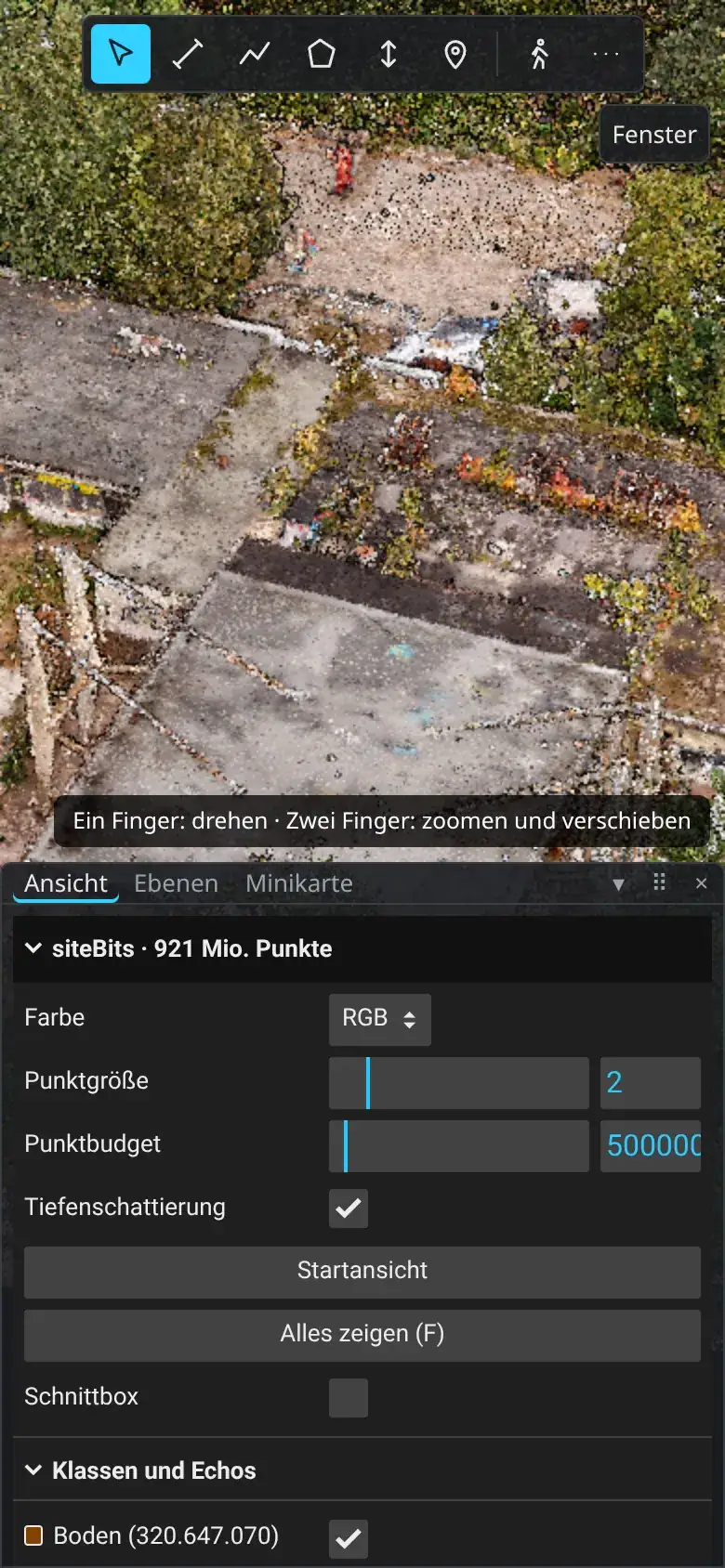
On the phone
The same data on phones and tablets, finger controls, limits that suit the device.